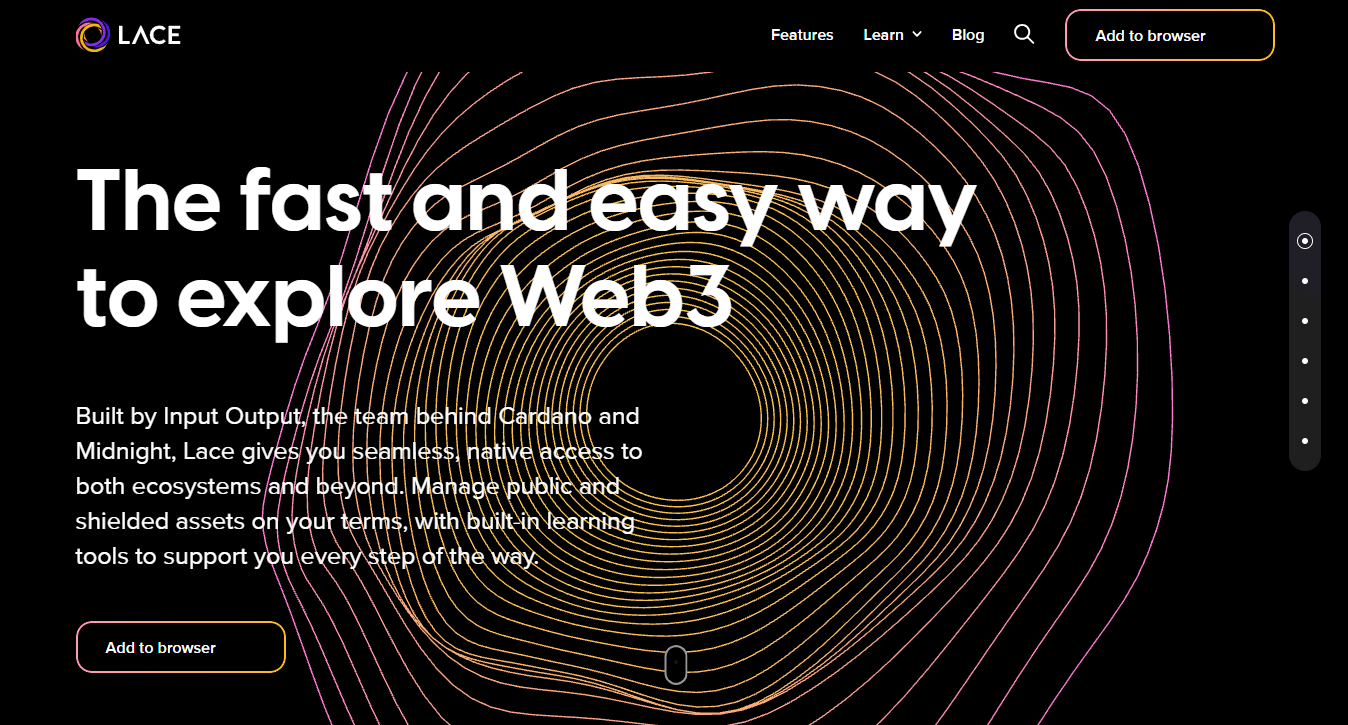
The Cardano blockchain continues to attract users interested in digital assets, decentralized applications, and blockchain-based financial services. To interact with this ecosystem, users need a cryptocurrency wallet that provides convenient access while helping them maintain control of their digital assets. Lace Wallet is a lightweight wallet designed for the Cardano ecosystem, offering users a way to manage ADA and explore supported blockchain features through a user-friendly interface.
Whether you are new to Cardano or already familiar with cryptocurrency, understanding how Lace Wallet works can help you make informed decisions about wallet selection, digital asset management, and online security.
Lace Wallet is a cryptocurrency wallet developed for the Cardano ecosystem. It is designed to help users manage Cardano-based assets and interact with supported blockchain applications.
As a non-custodial wallet, Lace gives users responsibility for their wallet credentials and recovery information. This approach allows users to maintain control over their assets rather than relying entirely on a centralized exchange to hold their cryptocurrency.
Lace Wallet focuses on accessibility and a streamlined experience, making it suitable for users who want to explore Cardano without navigating unnecessarily complicated wallet interfaces.
Lace Wallet offers several features intended to make Cardano asset management more accessible.
Lace allows users to manage supported Cardano assets through a wallet interface. Users can review their wallet information, receive cryptocurrency, and initiate transactions using compatible blockchain networks.
Before sending assets, it is important to verify the receiving address and confirm that the selected network supports the intended transaction.
The Lace Wallet browser extension provides convenient access to wallet functions through a compatible browser. This can help users interact with supported decentralized applications without needing to open a separate desktop wallet interface for every activity.
Users should always verify the extension's publisher and download source before installation.
Cardano uses a proof-of-stake consensus mechanism. Lace has offered functionality related to ADA staking and delegation, allowing eligible users to participate in Cardano's staking ecosystem.
Staking and delegation involve blockchain-specific considerations. Users should review current wallet functionality, delegation options, and applicable network information before making decisions.
Cardano supports a growing ecosystem of decentralized applications. Compatible wallet functionality can help users connect with supported applications and explore blockchain-based services.
Always review the permissions requested by a decentralized application before connecting your wallet.
Setting up Lace Wallet is generally straightforward when users follow the wallet's official instructions.
Before downloading the Lace Wallet extension, carefully verify the website address and software source. Avoid suspicious advertisements, unofficial download pages, and links received through unknown messages.
Choose the compatible browser extension from a trusted source. Review the extension details and publisher information before installation.
Follow the wallet's setup instructions to create a new wallet or restore an existing one using a compatible recovery method.
During wallet creation, you may receive a recovery phrase. This phrase is extremely important because it can provide access to your wallet.
Write your recovery phrase down accurately and store it in a private, secure location. Never share it with another person or enter it into an unfamiliar website.
A recovery phrase should not be stored in screenshots, public cloud folders, email accounts, or ordinary online documents.
After completing the setup process, review the wallet interface and explore supported features. Start with basic activities such as checking your wallet information and understanding how receiving and sending assets work.
For your first transaction, carefully verify every detail before confirming it.
Security is an essential part of cryptocurrency management. Even a well-designed wallet cannot protect assets if the user accidentally reveals their recovery credentials.
Follow these important precautions:
These practices can help reduce the risks associated with phishing websites, malicious extensions, and unauthorized transactions.
Yes. Lace Wallet is associated with the Cardano ecosystem and provides functionality for managing supported Cardano assets.
Lace has offered browser extension functionality. Check the verified wallet website for current browser compatibility and installation instructions.
Wallet software may be available without a purchase fee, but blockchain transactions can involve network fees. Additional services may have separate costs.
If your recovery phrase is lost and no other valid recovery method is available, you may permanently lose access to your wallet. Always maintain a secure backup.
Lace is designed to support non-custodial wallet management, but security depends on authentic software, device protection, and responsible user behavior. No wallet can eliminate every cryptocurrency risk.
Lace Wallet introduces users to a convenient way of exploring the Cardano ecosystem and managing supported digital assets. Its lightweight interface, browser-based access, and Cardano-focused functionality make it an option for users interested in blockchain applications and cryptocurrency self-custody.
Before using any wallet, verify the software source, protect your recovery phrase, and carefully review every transaction. By combining responsible security habits with a clear understanding of blockchain technology, users can make more informed decisions when managing their Cardano assets with Lace Wallet.